

If i lost Two-Factor Authentication (Google Auth)
Updated Short read Getting Started
Contents
Reason 2FA Your Google Auth is missing and does not have backups from Google Auth Secret Key. You can solve these problems by carrying out the recovery mechanism as follows:
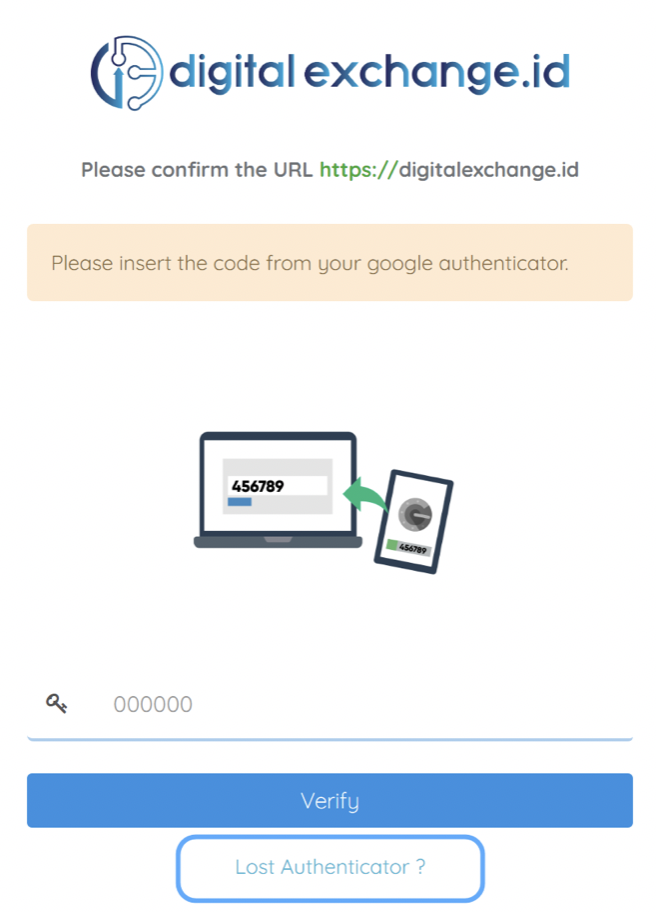
- login ke digitalexchange.id,
- When successfully entering your email and password correctly, you are required to enter a verification code, click the button "Lost your Google Auth?"
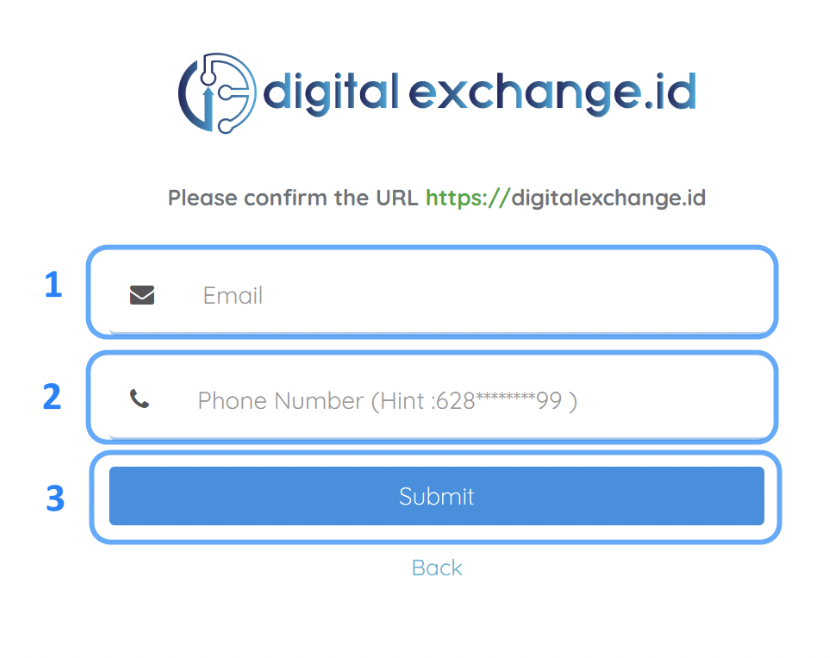
Explanation:
1. You are required to verify your login & nbsp;
2. Enter the main phone number when doing KYC
3. Then click submit
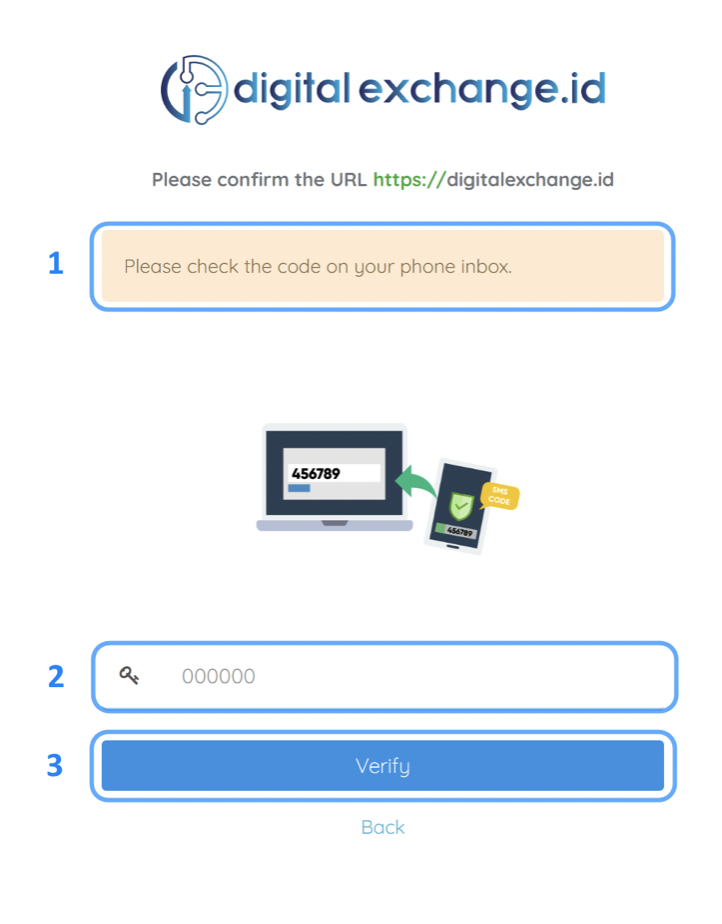
Explanation:
1. digitalexchange.id will send the code to your phone
2. Enter the code obtained from the sms
3. Then click Verify
4. After that Two-Factor is no longer active, and you can re-login without 2FA
Was this article helpful?