

How to Generate Wallet on the digitalexchange.id Website and Application
Updated Short read Getting Started
Contents
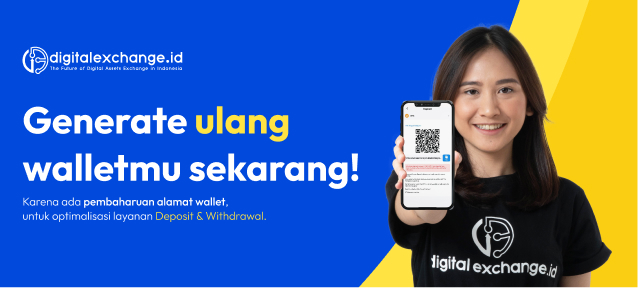
How to generate a BTC wallet on the digitalexchange.id website and application?
A. Here's how to generate on the digitalexchange.id website
1. First you have to log in to the digitalexchange.id market
2. Click Wallet, select the asset then click deposit
3. Click generate Wallet, your wallet address will appear
4. Make sure to read the terms and conditions before making a deposit to avoid mistakes.
B. Here's how to generate a BTC wallet on the digitalexchange.id application
1. Login to digitalexchange.id application
2. Click Wallet, select the asset then click deposit
3. Click generate Wallet, your wallet address will appear
4. Make sure to read the terms and conditions before making a deposit to avoid mistakes.
Was this article helpful?