

How to claim gift
Updated Short read EVENT
Contents
Follow the steps below to claim gift digitalexchange.id
· Open the digitalexchange.id webpage
· On the sidebar menu select "Point Center"
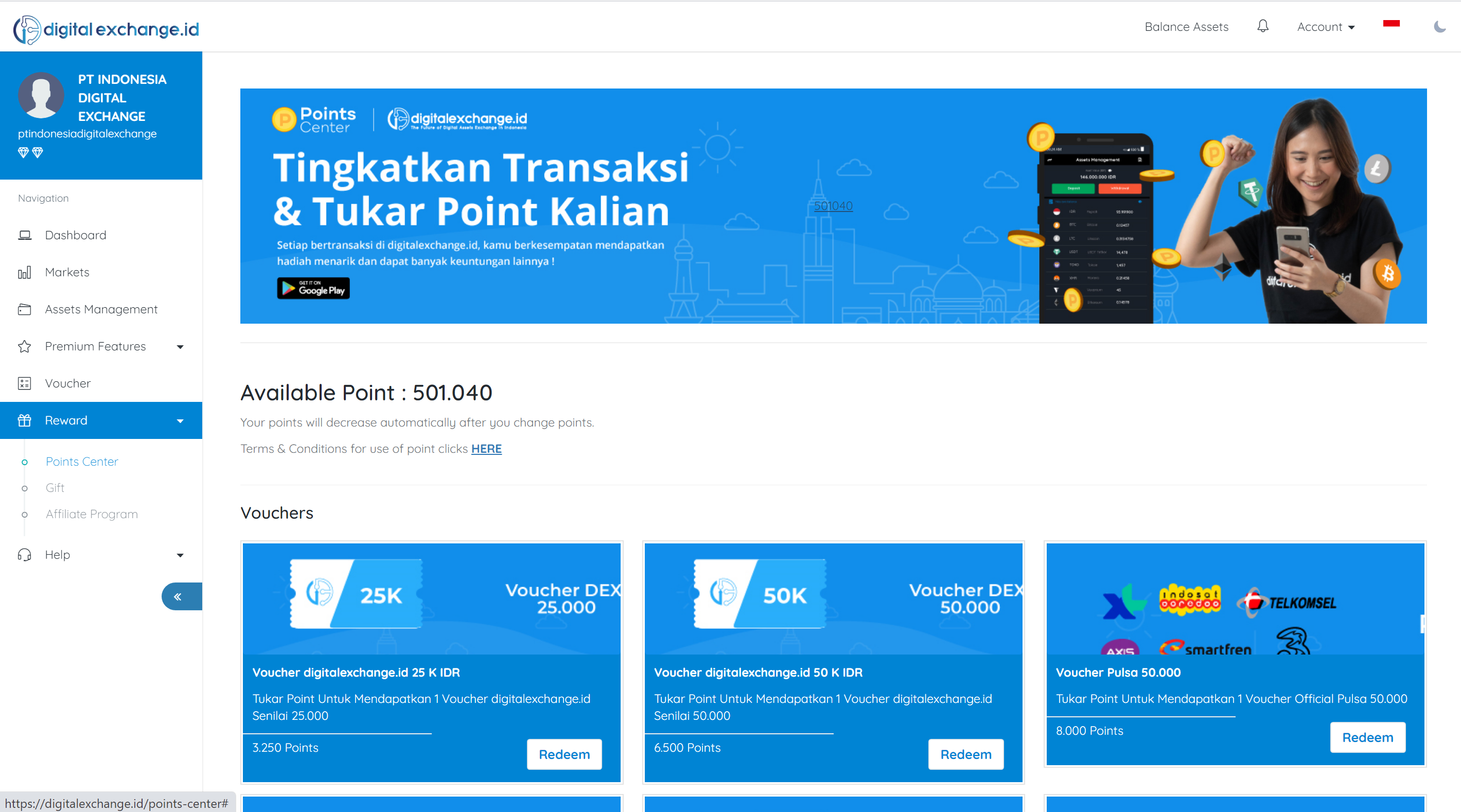
1. In the sidebar menu select "Point Center"
2. The total points that the user has
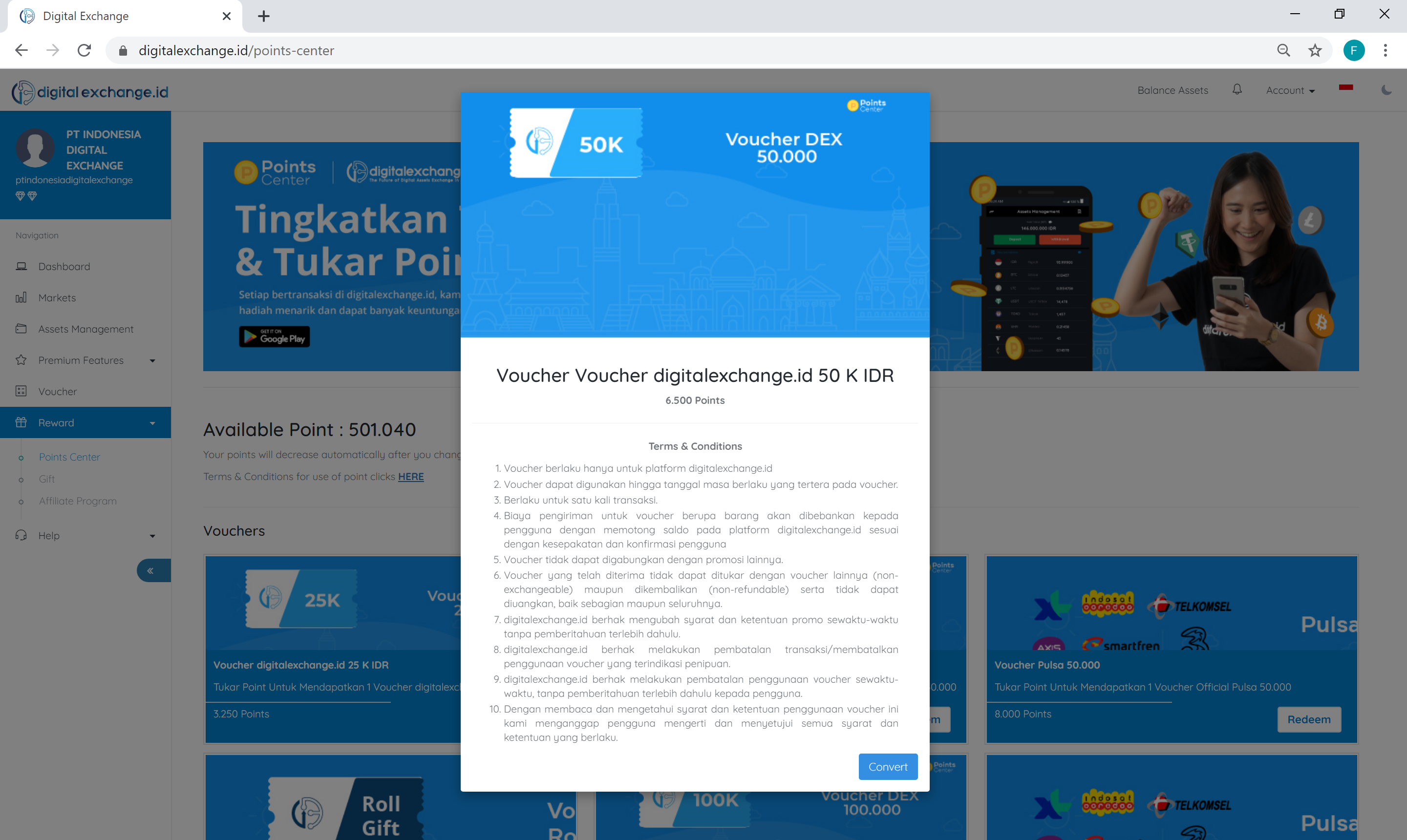
3. Exchange points with a "Roll Gift" voucher and don't forget to read the terms and conditions listed if you have selected "Buy"
· Open the digitalexchange.id webpage
· On the sidebar menu select "Point Center"
Was this article helpful?