

How to do Personal Data Verification / KYC in digitalexchange.id App
Updated Short read Getting Started
Contents
Please verify your data! follow steps below:
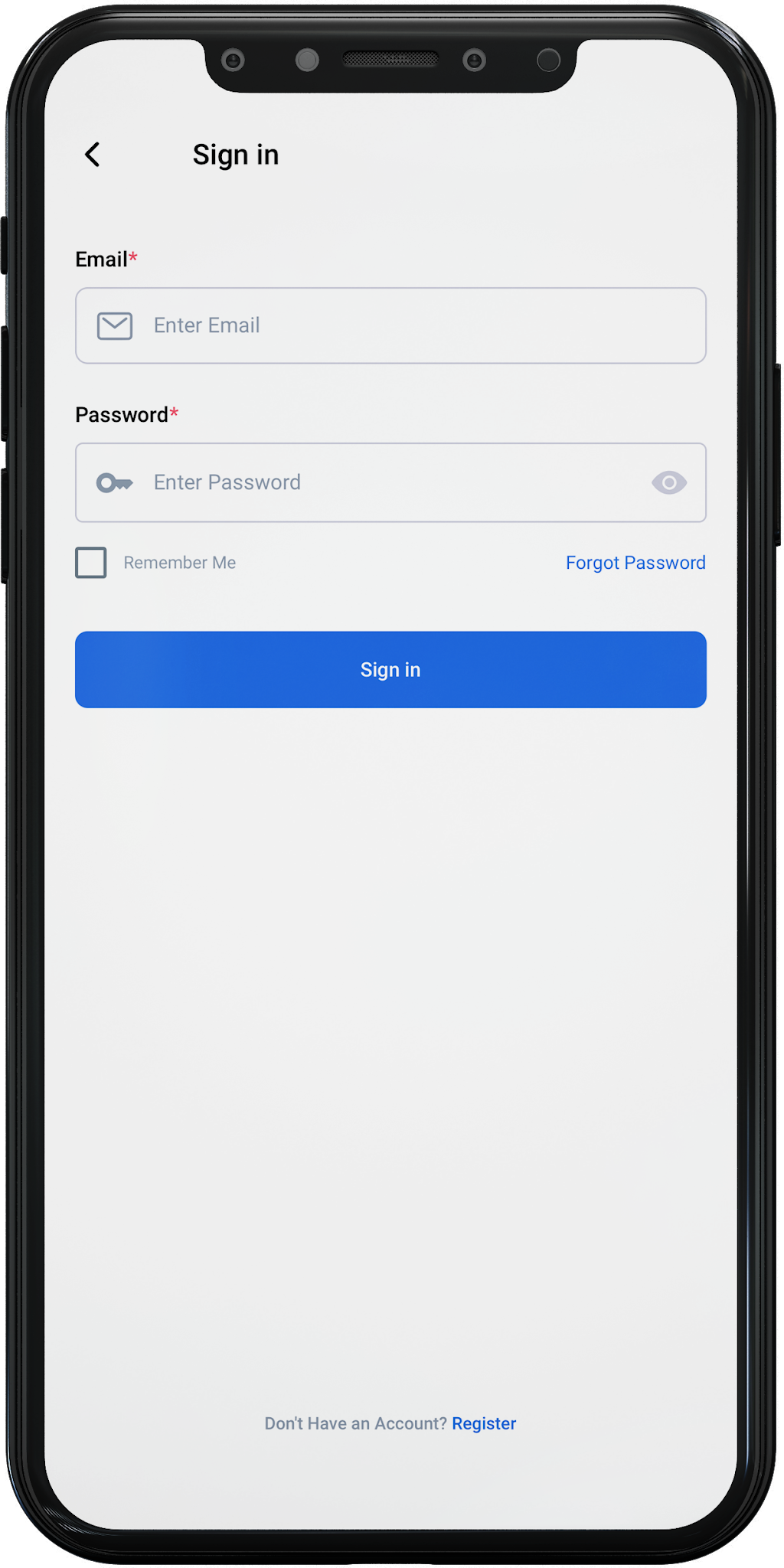
1. If your Registration Complete, Let's continue with KYC! Login to your account, once the details are correct, click Sign In.
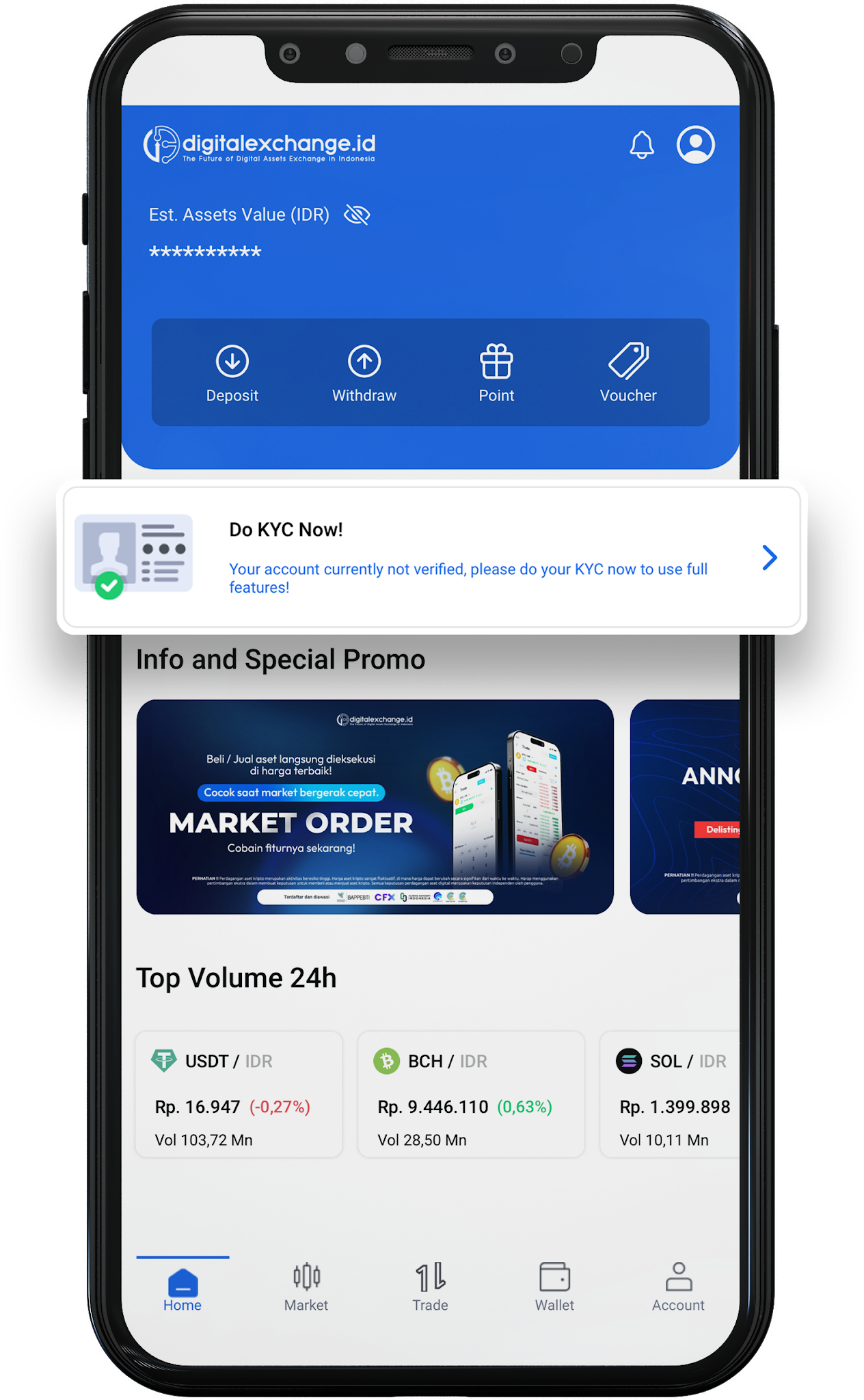
2. Then, return to the homepage and click "Do KYC Now", Read the Terms and Conditions, and provide the required information exactly as it appears on your KTP (ID card).
3. Select your country of residence, then choose the type of identification you wish to use (such as an ID card or a passport for foreign nationals).
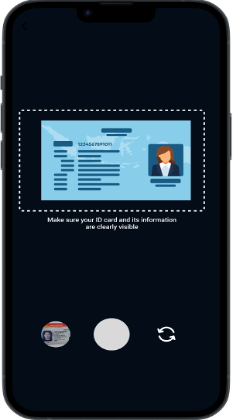
4. Take a photo of your ID card (KTP) following the on-screen guidelines. Ensure the photo is clear, not blurry, and all data is fully visible. Once aligned, tap the round button at the bottom.
5. Then, fill in your personal data exactly as it appears on your ID card (KTP).
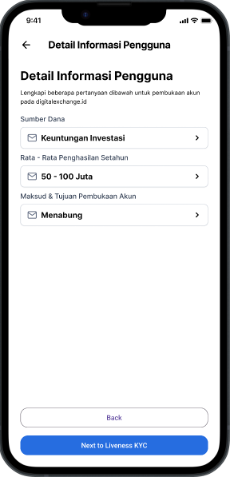
6. Next, enter the source of funds, average annual income, and the purpose of opening the account, click “Next to liveness KYC”
7.Before proceeding to the liveness check, please read the following information, click "Next".
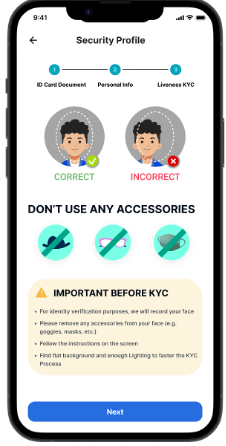
8. Position your face within the guide circle displayed on the screen. Ensure your face is centered.
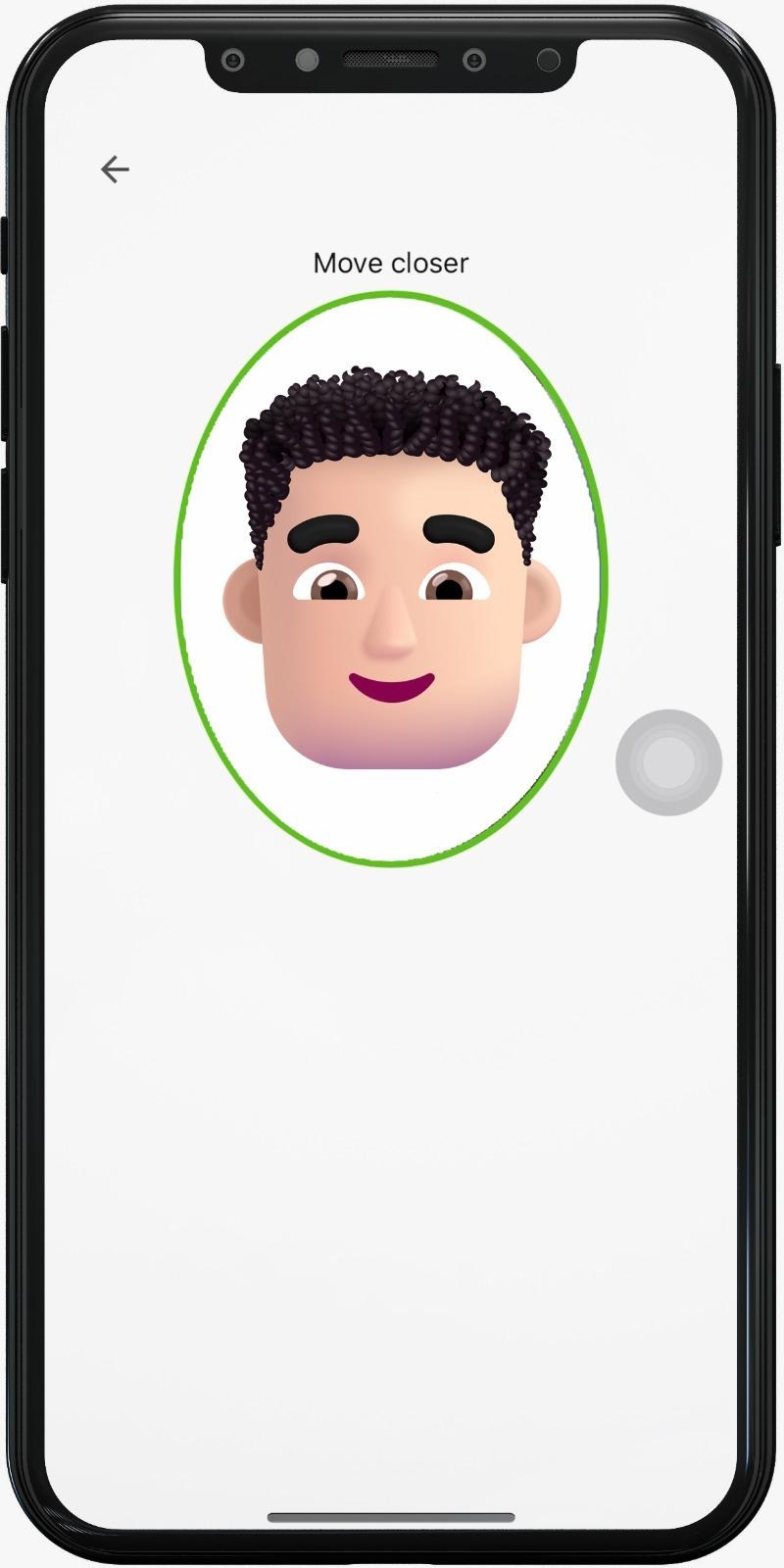
9. Slowly move towards the camera and ensure your face remains within the circle.
10. Hold that position for a few moments until the process is complete.
11. Once all steps have been completed correctly, click “Submit”. The verification process will take a maximum of 24 hours.
Was this article helpful?